Documentation Index
Fetch the complete documentation index at: https://docs.mathfi.ai/llms.txt
Use this file to discover all available pages before exploring further.
Overview
MathFi.ai is a predictive AI toolkit that allows you to easily turn your tabular, labelled data into actionable predictions on new, unseen data. For that, the following is needed:- CSV file with tabular, labelled data
- CSV file with unseen data, same format of labelled data
- Access the platform
- Create a dataset by uploading your CSV file with labelled data
- Train a model from the created dataset
- Create a prediction that uses the model by uploading your unseen data CSV file
- Download your CSV unseen data file populated with results
- Follow a step by step explanation with sample dataset
- Watch a video walkthrough
- Find out next steps to get the maximum from MathFi.ai platform
Both UI dashboard and API (
curl commands) are provided. Consult the glossary for key metrics and terms used.Examine sample CSV data
To fully understand how CSV should be prepared for this platform, follow the input CSV creation guide. But for convenience, a couple pre-created labelled and blind CSV files are provided. This sample data represents a set of readings from IoT devices present in a oil plant, aimed at predicting failure in key infrastructure.Predictions may return NaN probability values when the number of buckets is too low. To fix this, create a new dataset with more buckets and retrain. If NaN values persist, your training data may be insufficient. For this oil/gas plant example, using the default 20 buckets produces NaN values — increase to 65-100 buckets to resolve.

- The
timestampacts as the uniqueID - The relevant features are the columns
temperature,flow_rate,vibration_level,valve_position,motor_speed,chemical_concentration - The outcome (binary classification for this example) is coded in the
anomaly_labelcolumn (0=no anomaly,1=anomaly)
Access the platform
First of all, request access to MathFi.ai.
Dashboard and REST API.
- Dashboard
- API
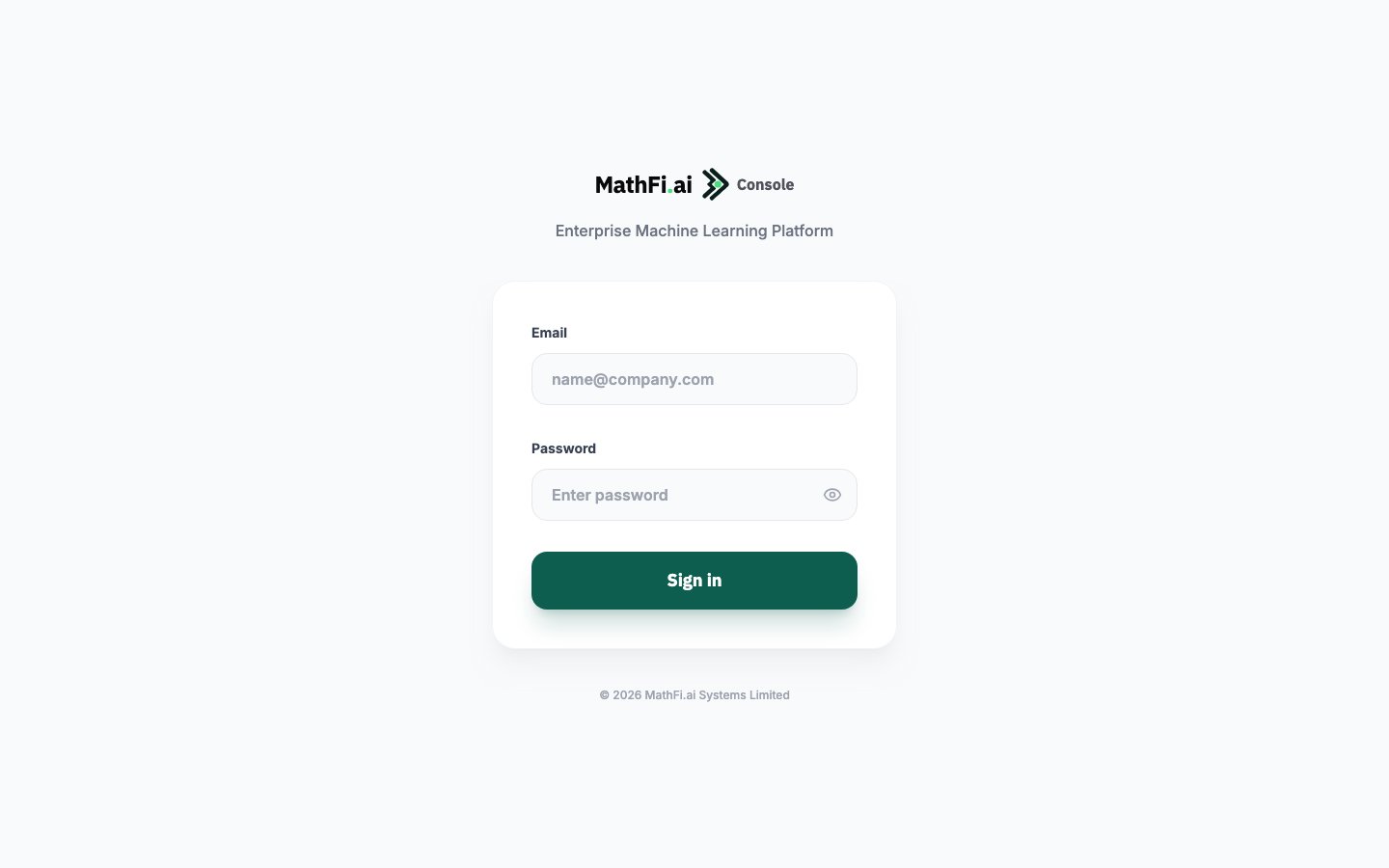
The MathFi.ai Dashboard is a simple web application that allows you to upload your CSV with sample data, train a model and run predictions on new, unseen data.Use the link and provided credentials to log into the platform
After successful login, the following page should appear:

After successful login, the following page should appear:

Create your first dataset
To get started, let’s create a dataset from the sample labelled CSV file- Dashboard
- API
Select 

Once the dataset is in
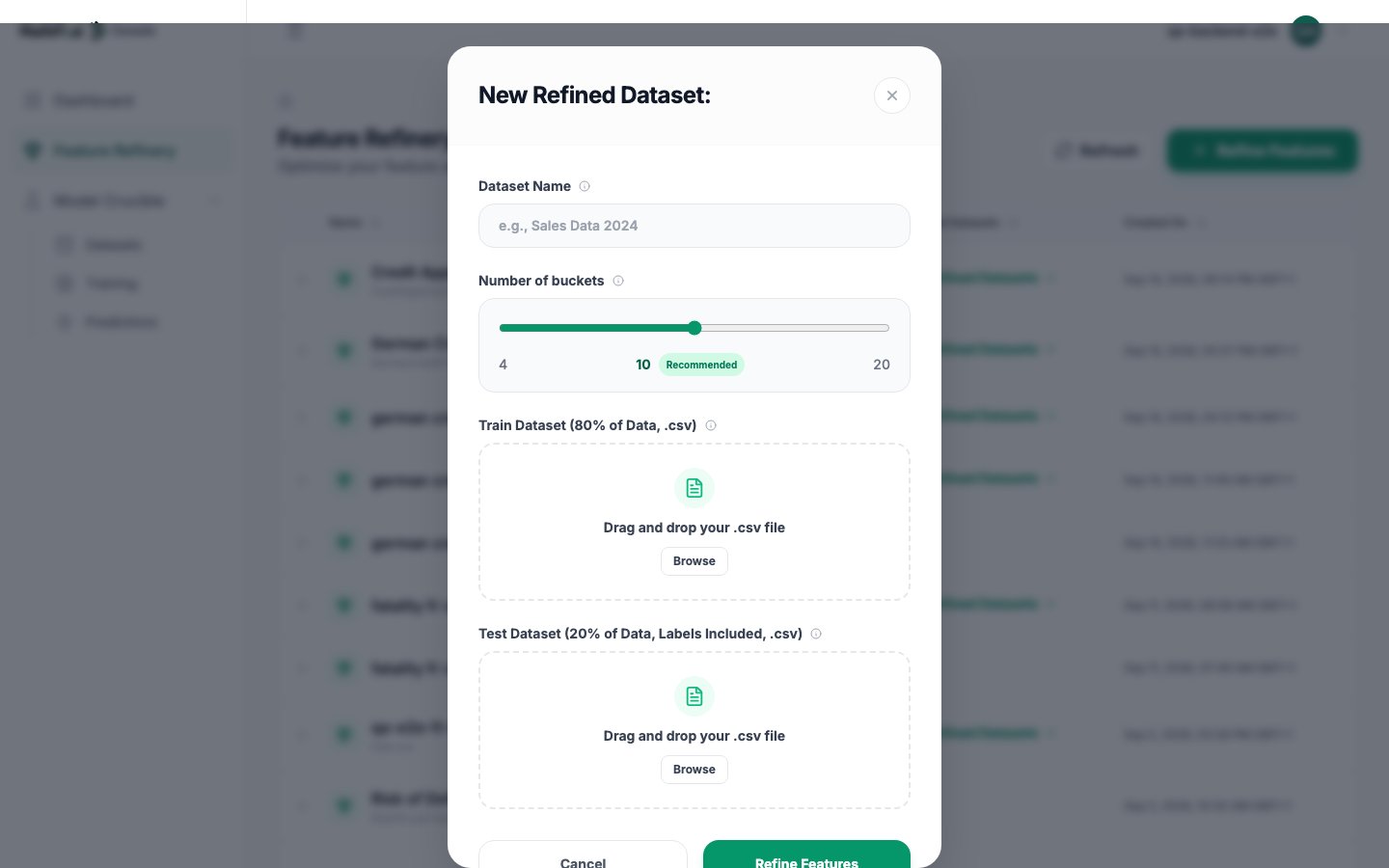
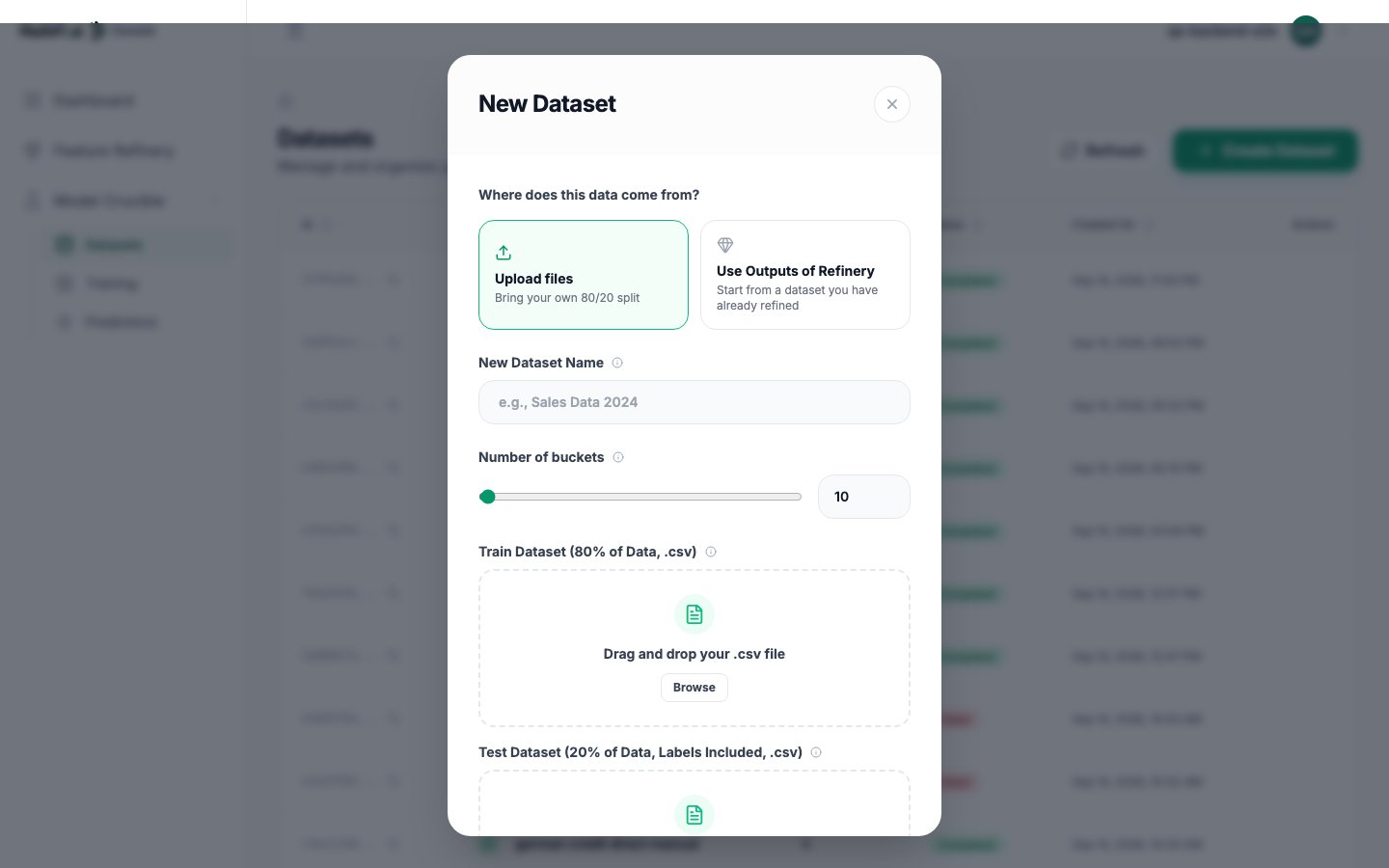
Datasets from the side menu, then Create button on right hand side. Then populate the form:
Dataset name: set a descriptive name, must be unique across the platformNumber of buckets: set it as10for this dataset. This is one of the hyperparameters that can be later modified to enhance model performance. More details on Hyperparameter tuning.
Save and wait for the dataset to finish processing.
COMPLETED status, it’s ready for training.Train a model
Once the dataset has finished processing (reachedCOMPLETED status), it’s time to train the first model from it.
- Dashboard
- API
Choose
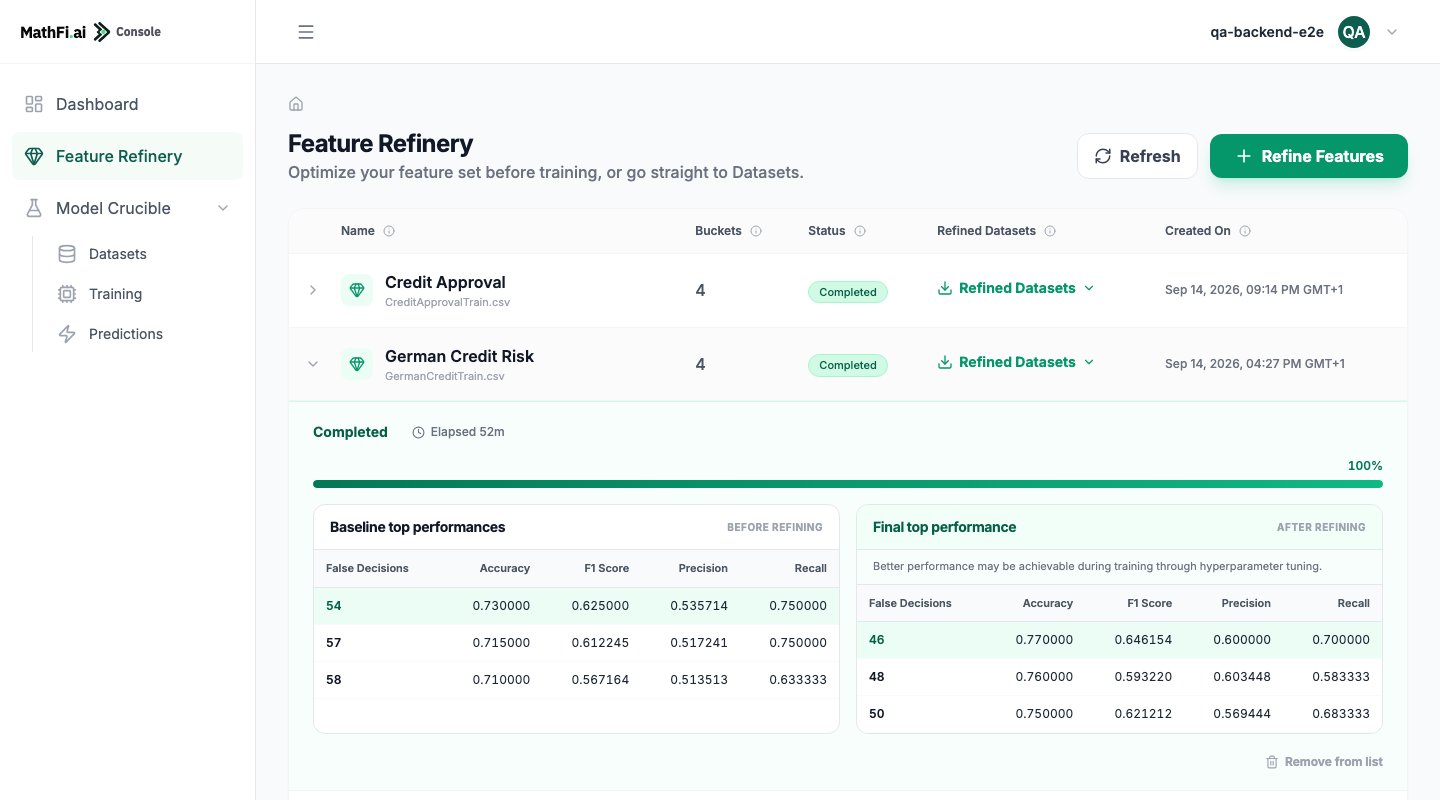
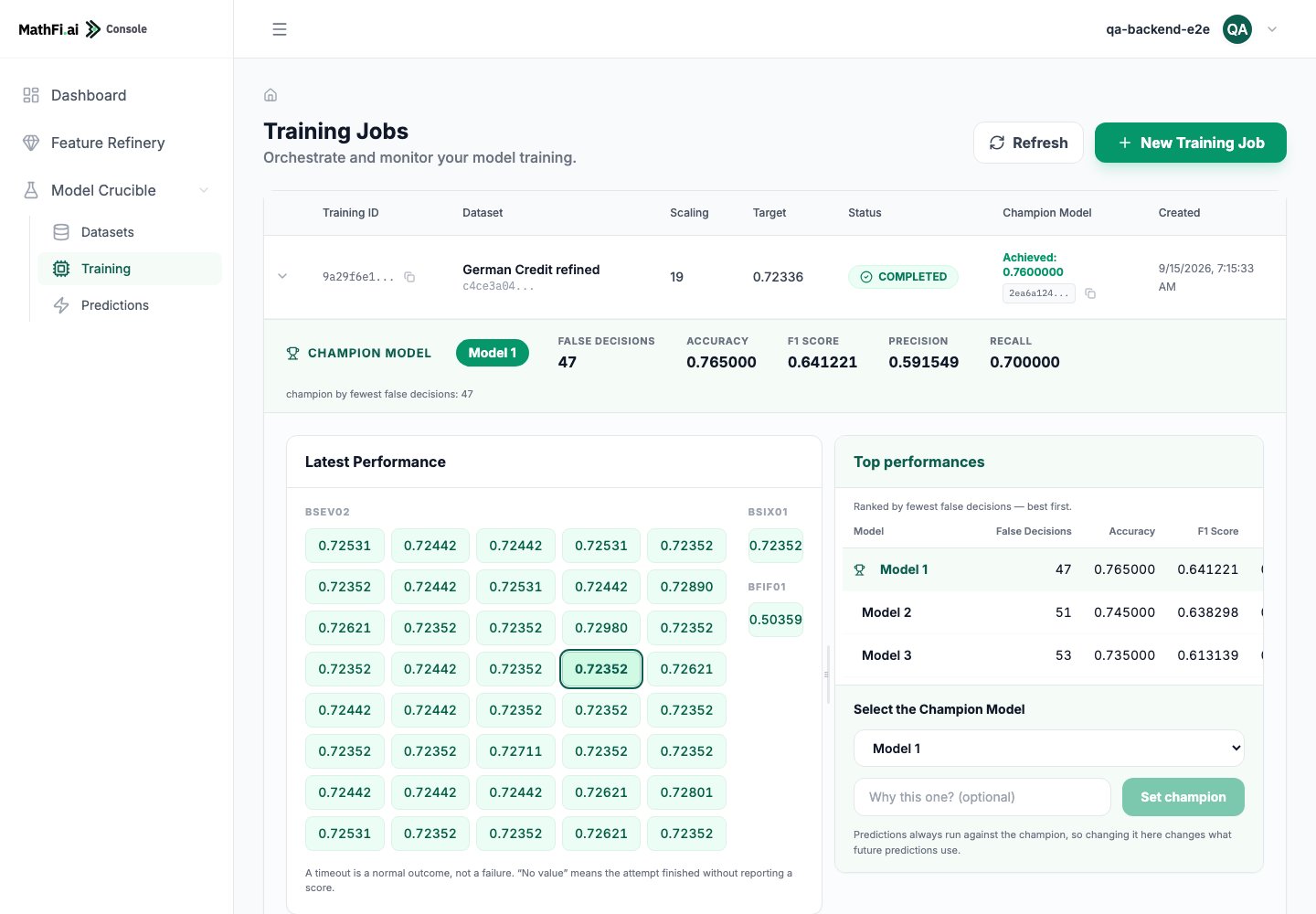
The training process starts, showing the real time performance of the 4 proprietary training algorithms of MathFi.ai:
It should take no more than 10 minutes for this dataset training to complete and get the initial Champion model:
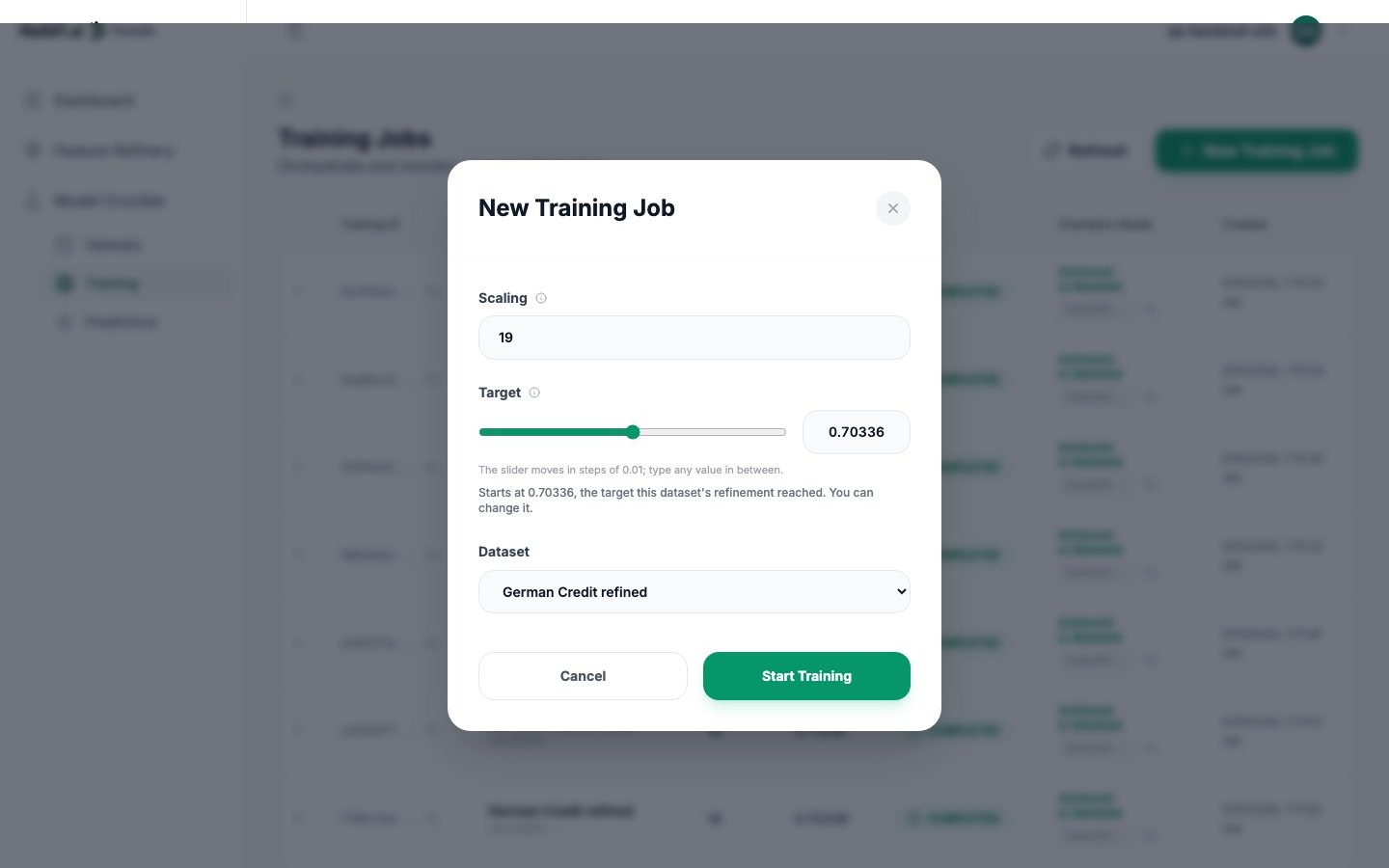
Trainings from the sidebar, then click Create button. Fill the form with the following:-
Scaling Factor: set it to
19. This is one of the key training hyperparameters. Full details are present in the Training guide and Hyperparameter tuning guide. -
Performance threshold: set it to
0.99. This is another training hyperparameter, representing the desired prediction accuracy (99%) -
Dataset: Select the newly created dataset

The training process starts, showing the real time performance of the 4 proprietary training algorithms of MathFi.ai:

It should take no more than 10 minutes for this dataset training to complete and get the initial Champion model:

- Overall achieved performance:
0.997219 - Training performance:
0.9934427 - Test performance:
1.0000
achievedPerformance is greater than the existing one. This model can now be used to create any number of Predictions on unseen data.
Check the Training guide for more details on the process.
Obtain a prediction
Once a model with the desired performance has been successfully created from training, it can be used to run predictions on unseen and unlabelled data (inference) as many times as needed. For the sake of this guide this blind CSV data is being used to try out prediction creation. This is going to be a batch prediction, in which each row represents a single, individual inference.- Dashboard
- API
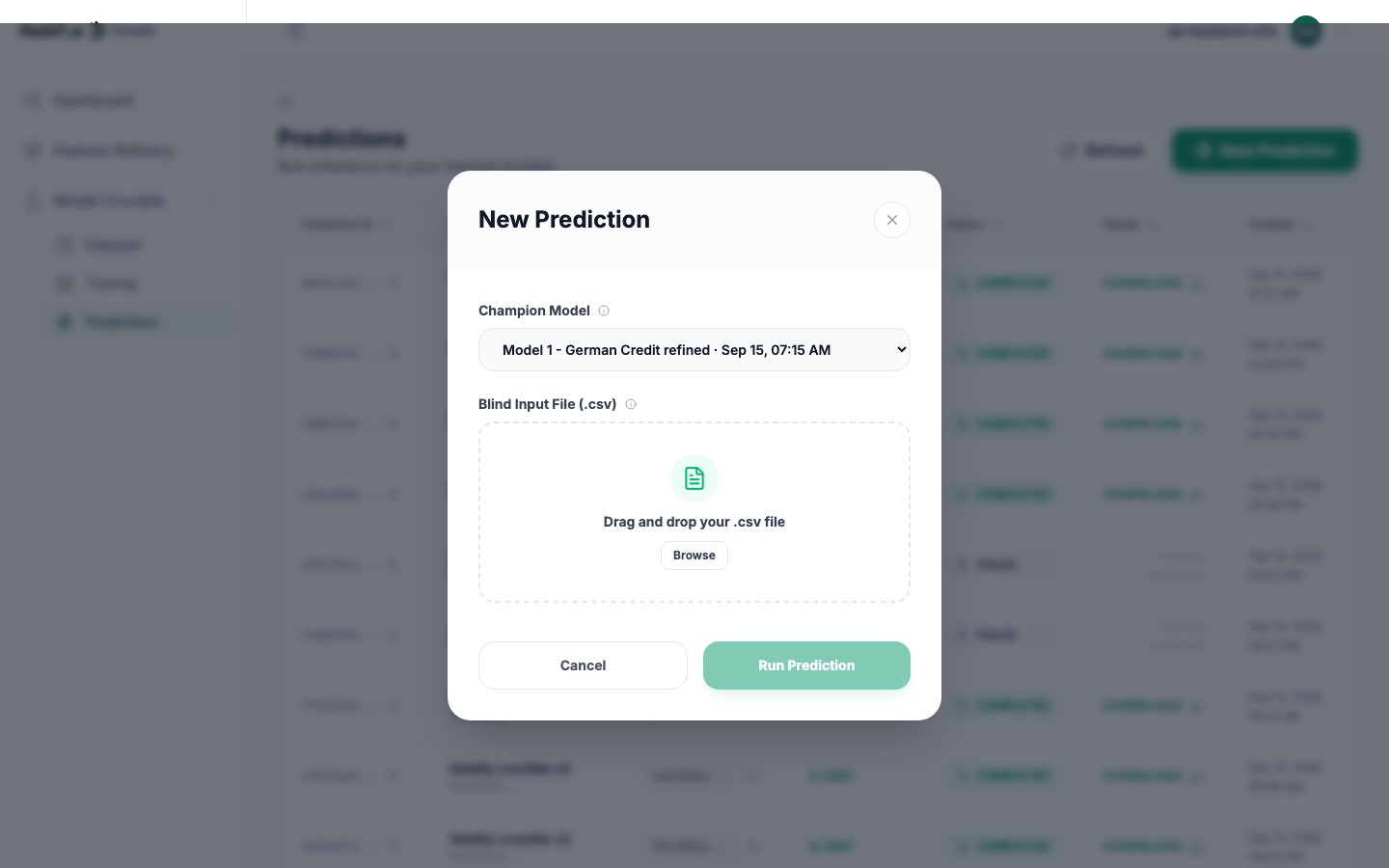
Select
After few moments (depending on size), the prediction completes and the resulting CSV can be downloaded using the
Predictions on the sidebar, then Create:- Select the original dataset
-
Upload the blind CSV

After few moments (depending on size), the prediction completes and the resulting CSV can be downloaded using the
Download link:
This is how the prediction results look like:

IDs on the original blind file have been populated with a predicted label. Overall, this predicted label would be correct in 99% of the cases.
Video walkthrough for Parkinson diagnosis data
This is a video walkthrough outlining the step by step process to analyse Parkinson diagnosis data within MathFi.ai platform.Where to go from here
This guide has explored the key workflows within MathFi.ai platform and to get a first prediction. In a nutshell, that’s what the platform is about: CSV with data —> training —> prediction on unseen data. For binary predictions, the MathFi.ai Platform assigns a probability that reflects the model’s confidence. A label is chosen if its probability is above (1) or below (0) 0.5. Values closer to 0 or 1 indicate higher certainty. The probability appears as a column in the prediction results file. Next steps:- Get in depth understanding of the dataset creation and training processes via the Training guide
- Improve gradually the performance of the trained model via Hyperparameter tuning
- Explore real life use cases in the Use cases section
- Integrate MathFi.ai in your existing workflow using the API